Turn STL meshes into STEP you can actually edit
Most converters turn every triangle into a tiny flat face — a STEP file your CAD chokes on. Vertessia rebuilds the shape as real surfaces: smooth NURBS patches for scans, teeth and organic parts, or exact planes, cylinders and cones for CAD-designed mechanical parts. Preview the result free; pay only when you download.
Drop a file, or click to choose
STL · OBJ · PLY · 3MF · GLB · glTF · STEP — up to 100 MBNo file handy? no sign-up
Conversion complete Free
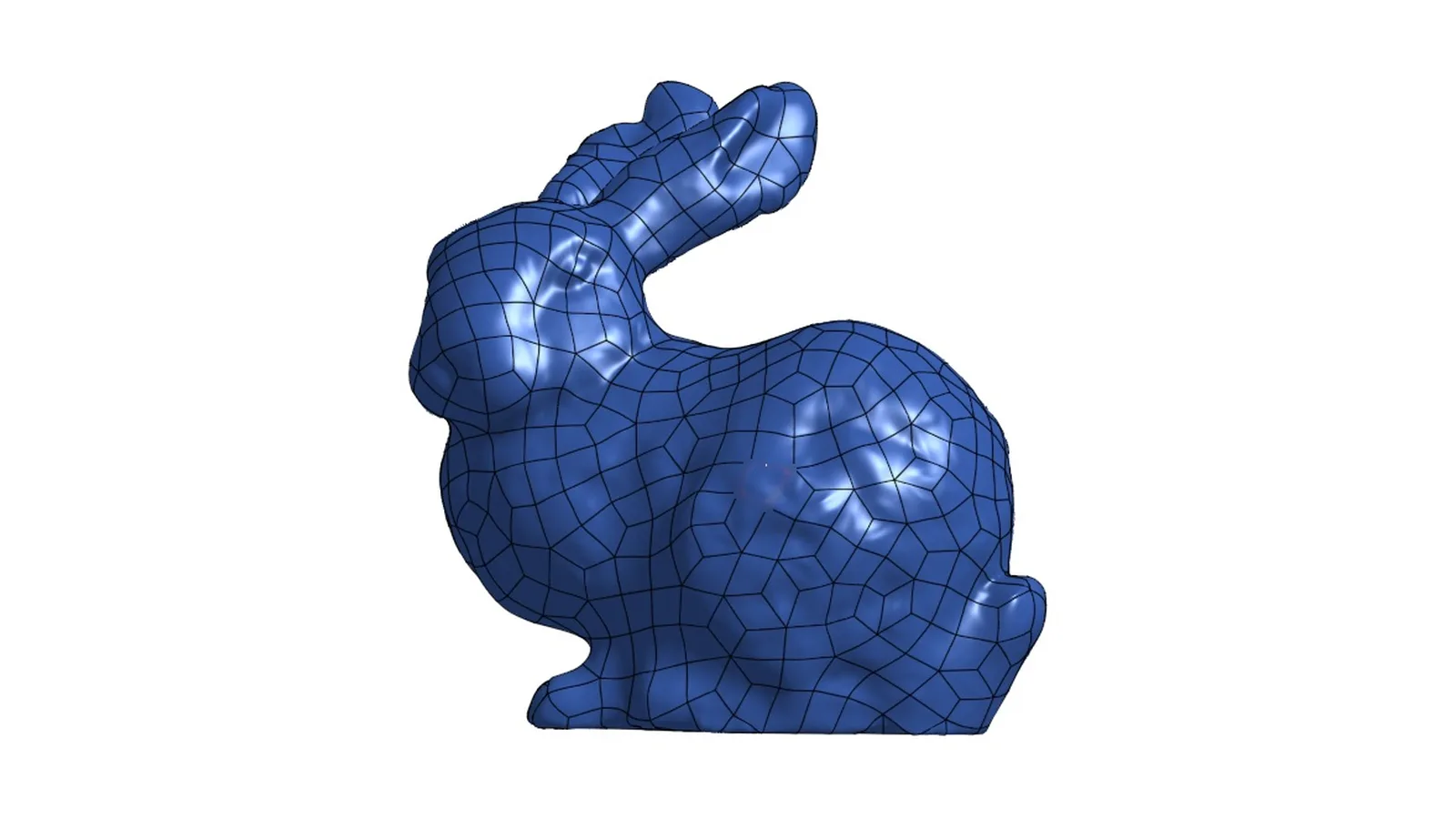
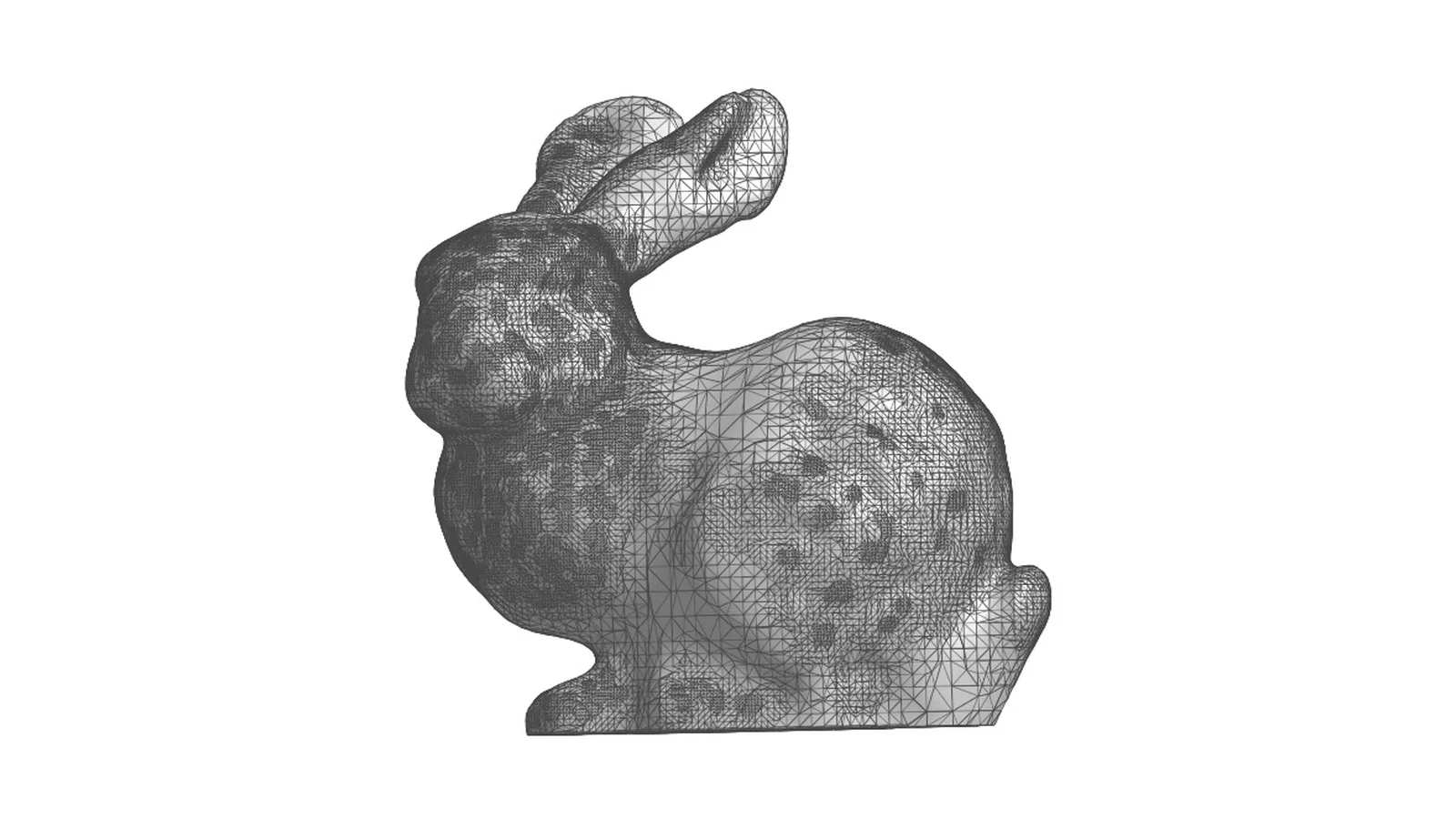
From mesh to editable CAD in three steps
Upload a mesh or scan
STL, OBJ, PLY, 3MF, GLB or glTF — a scan, a sculpt, an organic shape or a CAD-designed part. A closed mesh comes back as a solid body; an open scan (for example an intraoral scan) comes back as a surface model. For CAD-designed parts pick Mechanical: flat faces, holes and chamfers come back as exact planes, cylinders and cones.
Pick the model type
Organic: smooth NURBS patches over the whole shape, with a patch size you can adjust (smaller follows the mesh more closely). Mechanical: flat faces, holes and chamfers become exact planes, cylinders and cones. Typical run: 30 seconds to 2 minutes.
Inspect in 3D, then download
Rotate the rebuilt model in your browser for free. Happy with it? Download the STEP with a credit or a plan — failed conversions are never charged. If less than 85% of your mesh can be rebuilt, the job fails and you're not charged; between 85% and 95% you'll see a coverage warning — check the preview before you download.
| Typical free “STL to STEP” tool | Vertessia reconstruction | |
|---|---|---|
| What you get | One flat STEP face per triangle — 100,000 triangles become 100,000 faces | Hundreds to thousands of smooth NURBS surfaces (fewer with a larger patch size) — or, for mechanical parts, exact planes, cylinders and cones |
| In your CAD | Slow to open, faceted, can't offset, fillet or select a “face” | Smooth, selectable surfaces you can section, measure and design around — a solid body when your mesh is closed |
| Solid or shell | Often an open shell | Closed mesh → closed solid; open scan → clean surface model. The free preview shows which you get before you pay |
| Try before paying | — | Full-quality 3D preview is free |
What it is not: it doesn't recover a parametric feature tree (sketches, extrudes, fillets as features). You get clean surface and solid geometry to measure, modify and design around. Why facet-translated STEP files fail →
Build it into your pipeline
The same engine as a REST API — for print services, scanning labs and anyone converting files in bulk. Jobs run asynchronously; billing uses the same credits and plans as the web app.
curl -X POST https://vertessia.com/v1/convert \
  -H "Authorization: Bearer $VERTESSIA_KEY" \
  -F "file=@scan.stl" -F "target=step" -F "surface=nurbs" \
  -F "accept_terms=2026-09-28"   # current Terms version, see /v1/config
→ { "job_id": "9f2c…", "operation": "stl2step", "billable": true }
# surface: nurbs = scans / organic shapes · smooth = CAD-designed mechanical parts

curl https://vertessia.com/v1/jobs/9f2c…            # poll until "status": "done"
curl -OJ -H "Authorization: Bearer $VERTESSIA_KEY" \
  https://vertessia.com/v1/jobs/9f2c…/download
Create an API key in your account → · Need volume pricing or a custom arrangement? info@vertessia.com
Free to convert and preview. Pay only for the STEP you keep.
Mesh conversions and STEP → mesh are free, without an account. Reconstruction (mesh → editable STEP) always runs at full quality and the 3D preview is free — one download costs one credit. Failed conversions and re-downloads are never charged.
- All mesh conversions, free
- STEP → mesh, free
- Reconstruction + 3D preview (free account)
- 3 free STEP downloads when you sign up
- Or 30 downloads for $30
- Credits never expire
- No subscription
- Small “Converted by Vertessia” note in the STEP header — geometry untouched
- 30 STEP downloads / month
- Clean STEP header
- Priority queue
- 200 STEP downloads / month
- Clean STEP header
- Priority queue
Higher volume? Team — 1,000 downloads / month for $249 — subscribe. API usage draws on the same credits. Custom volume or on-premise arrangements: info@vertessia.com