Free 3D printing and mesh tools
Check, fix, resize and split 3D models, estimate what a print will cost and render images. Every tool is free and needs no account. Most run entirely in your browser, so the file never leaves your computer.
Check and fix
Find out what is wrong with a mesh and repair it before printing or converting.
Prepare for printing
Get the model to the right size, make it fit your printer and know the cost.
View and convert
Open CAD files without CAD software, turn models into pictures and change mesh formats.
Turn a mesh into a STEP you can edit
A mesh is thousands of flat triangles; CAD software works with surfaces. Vertessia rebuilds STL, OBJ and PLY files as real STEP surfaces — smooth NURBS patches for scans and organic shapes, planes and cylinders for mechanical parts.
It does not recover the original design history. The 3D preview is free; you pay only when you download the STEP.
Convert a mesh to STEP →Need clean quads for Blender, Maya or ZBrush instead? Quad remesh a mesh → Preview free, pay only when you download.
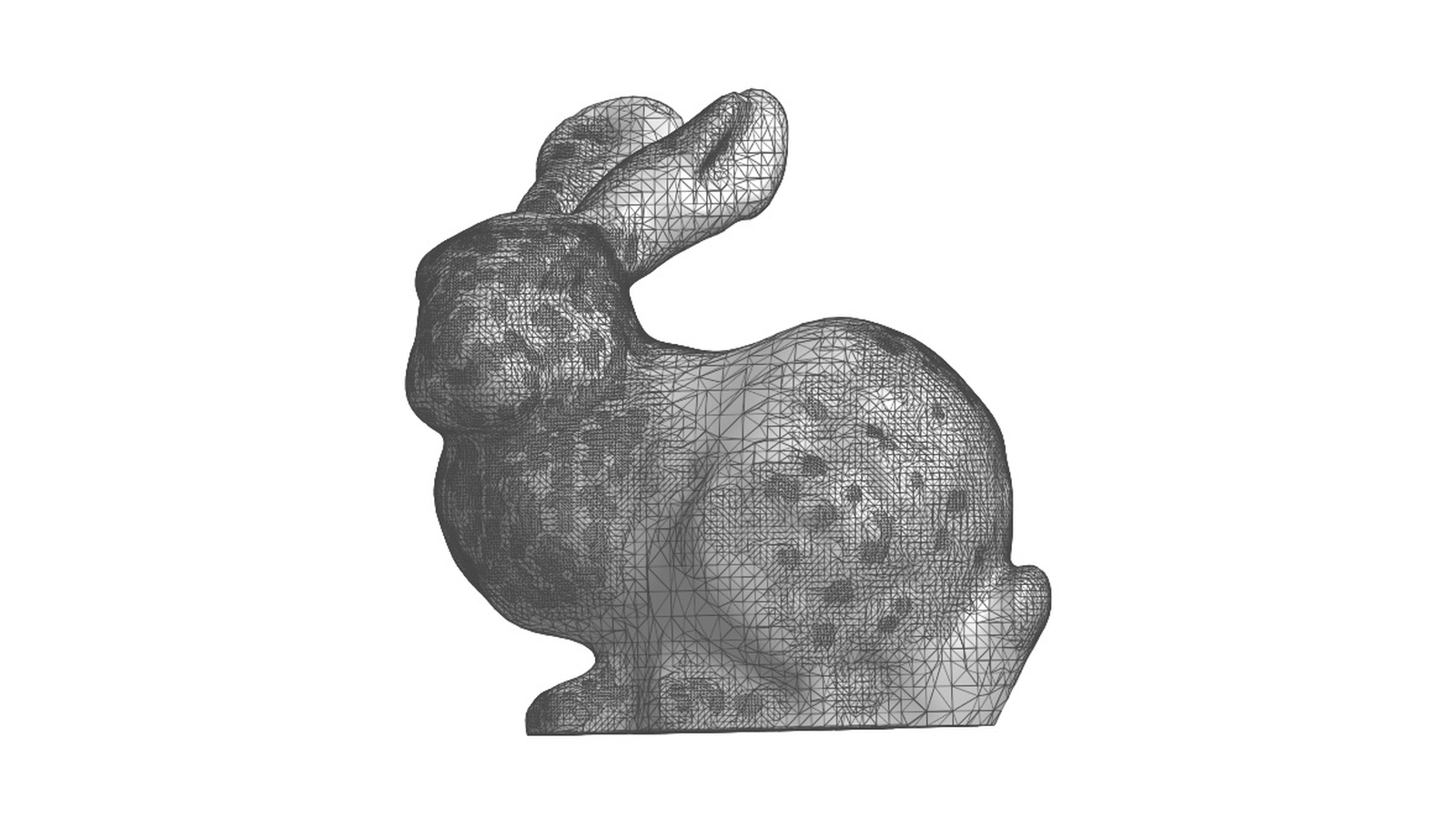
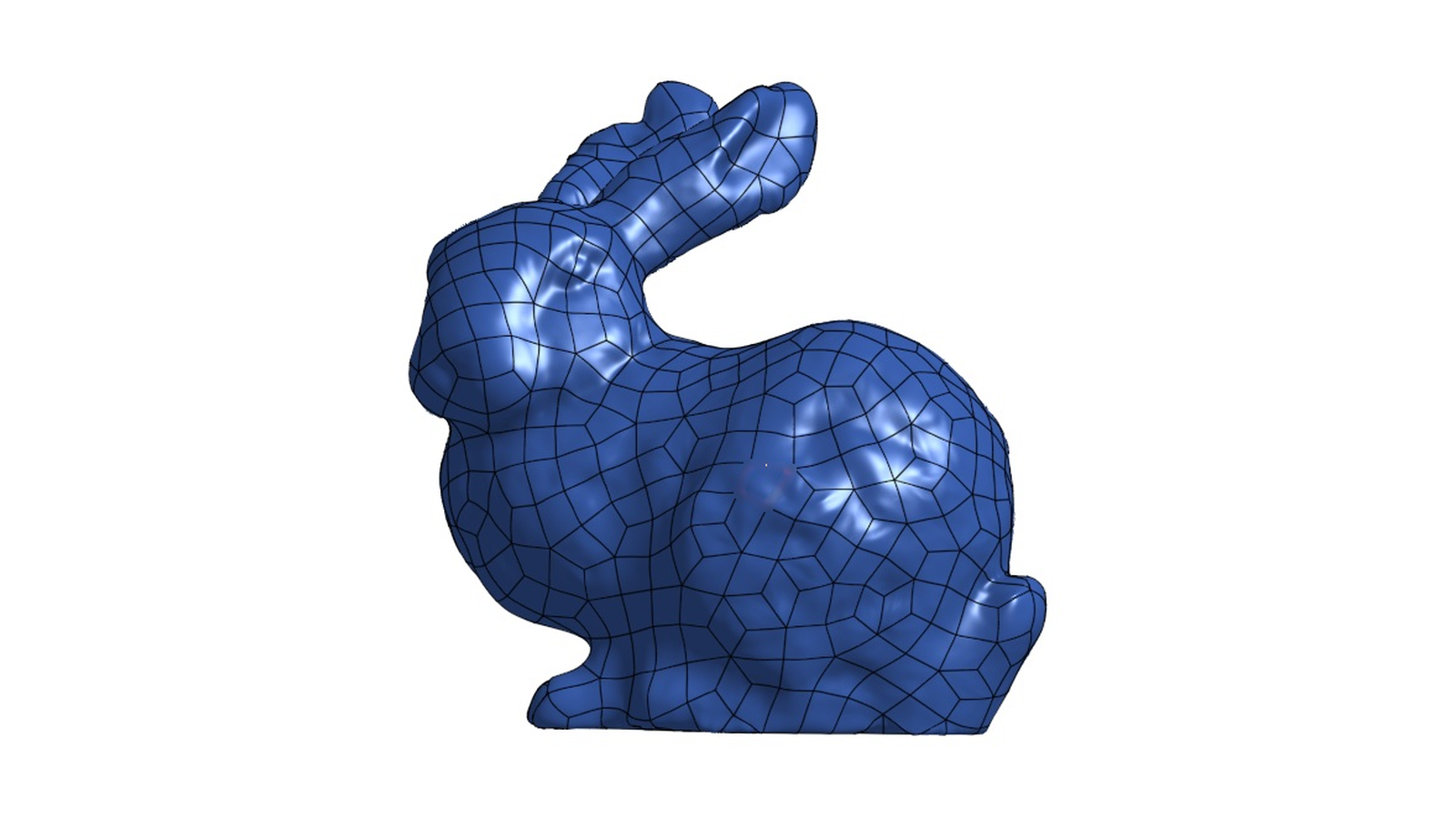
About these tools
Browser tools read and process your file on your own computer with JavaScript; nothing is uploaded, and they keep working on a slow connection once the page has loaded. Very large files are limited by your computer's memory.
Converters marked "on our servers" upload the file to run the conversion; uploads are deleted automatically within 24 hours, as described in the privacy policy.
The tools pass files to each other: a repaired mesh can go straight to the simplifier, a resized one to the cost calculator or the splitter, without downloading and uploading again.